


Event planning tips that
actually save you time.
Expert advice for couples and coordinators planning their next event. From setting your budget to booking the right vendors and using AI tools that do the heavy lifting.
Get these right
and everything else falls into place.
If you only remember three things from this guide, make it these.
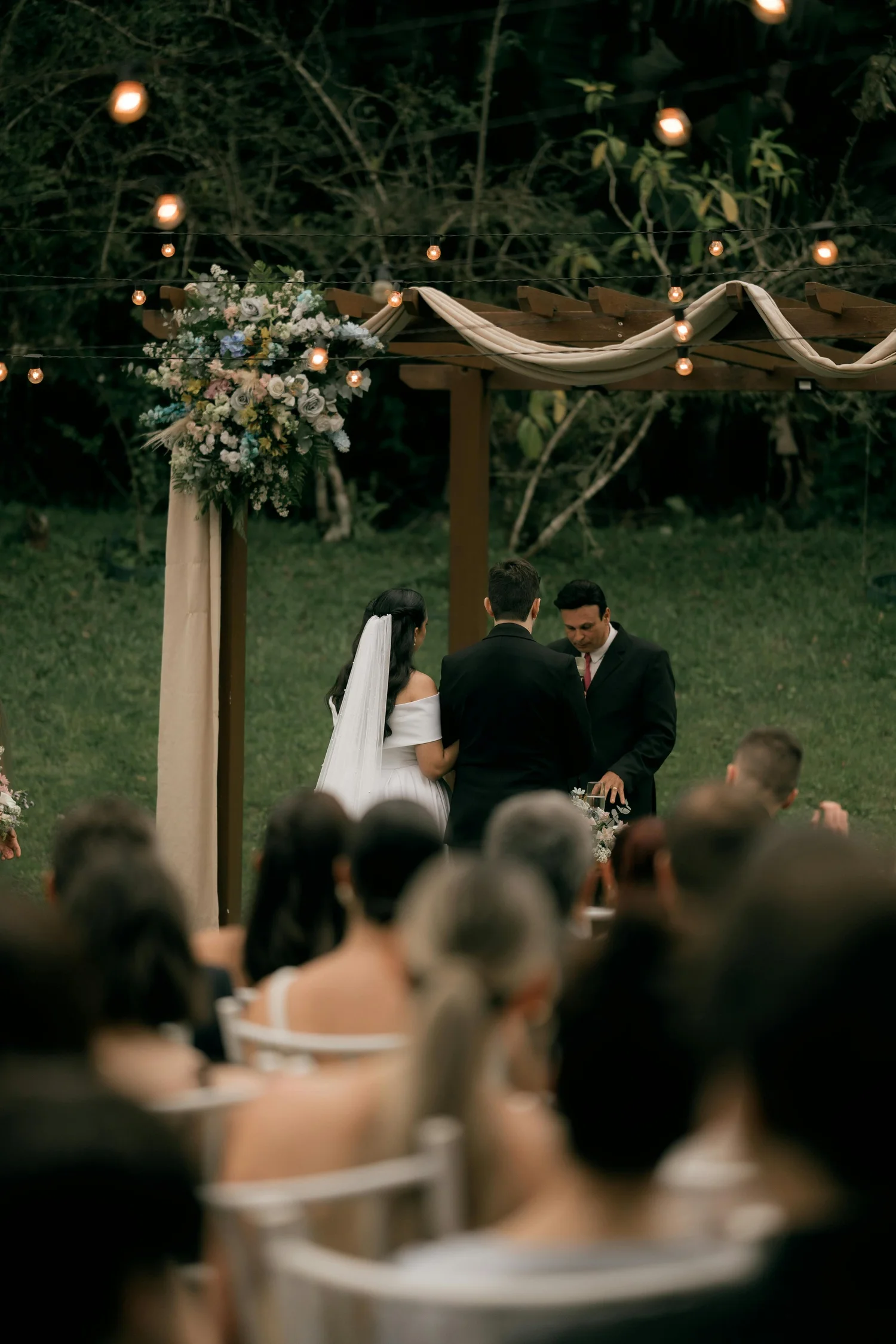
Start Earlier Than You Think You Need To
Begin planning 12 to 18 months before your event. The best photographers, venues, and caterers book out a year in advance, especially for spring and fall Saturdays. If you're inside 6 months, act fast on your must-haves.
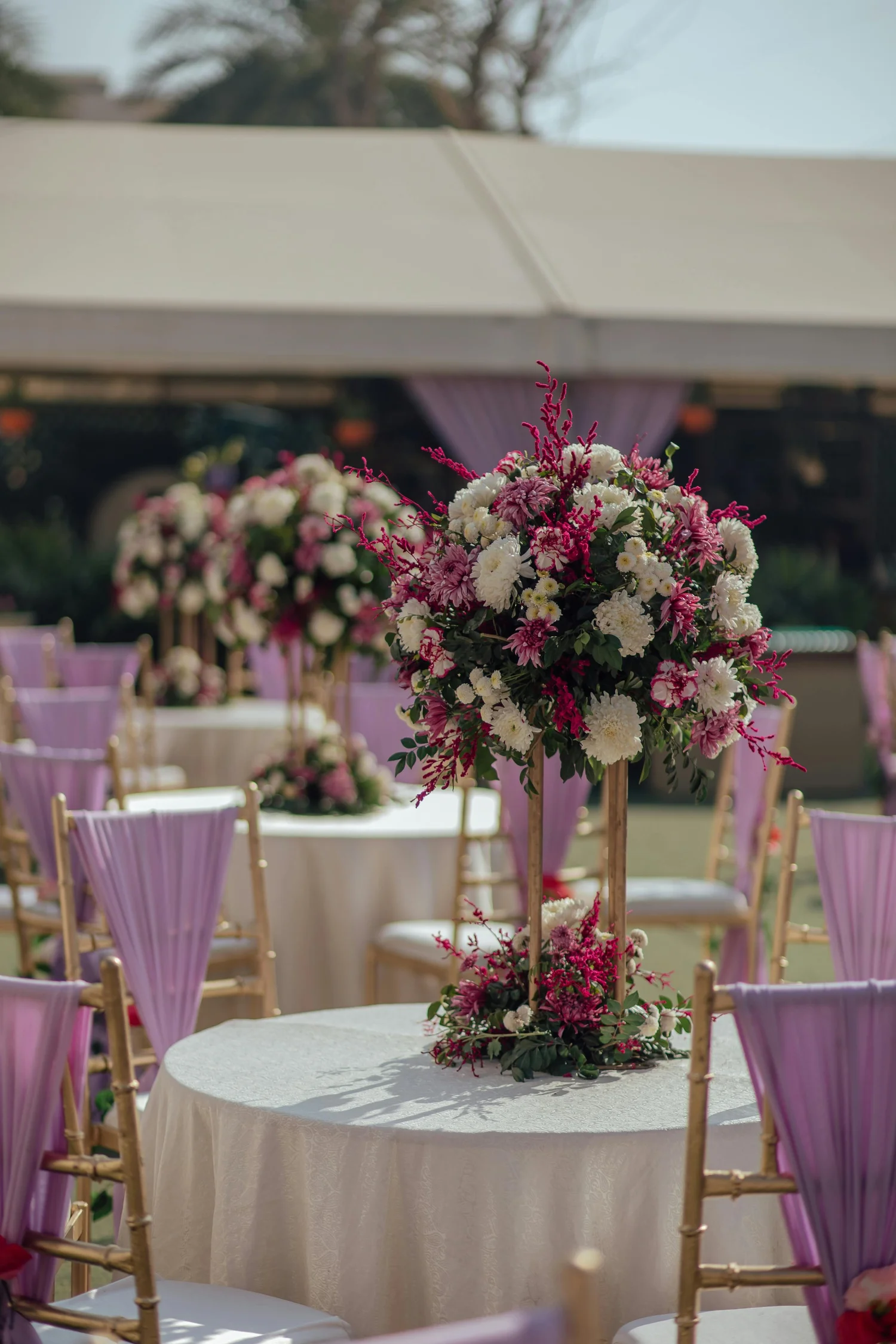
Set Your Budget Before You Book Anything
Determine your total budget and allocate it before speaking to a single vendor. A common breakdown: 40 to 50% venue and catering, 10 to 15% photography, 8 to 10% music or DJ, 8 to 10% florals, with the rest split across other categories.

Research Vendors Thoroughly Before You Book
Read reviews across multiple platforms, view full portfolios (not just highlights), ask for references from past clients, and check that their style matches your vision. Use Zennvue's AI vendor matching to surface the best fits based on your specific event details.
Six more tips
to keep you on track.
Smaller principles that make a big difference when you actually apply them.
Lock In Your Guest Count Early
Your guest count drives venue size, catering cost, seating, invitations, and table décor budget. Every other decision flows from this number, so finalize it before committing to vendors.
Get Everything in Writing. Always.
Every vendor agreement should be a signed contract specifying exactly what's included, the timeline, payment schedule, and cancellation policy. Verbal agreements don't protect you.
Prioritize What Matters Most
Identify 2 to 3 elements that will define your event. For most couples it's photography, food, and atmosphere. Allocate more budget to those, simplify elsewhere.
Build a Detailed Day-Of Timeline
Work with your vendors to create an hour-by-hour schedule shared with everyone. Include buffer time. A timeline that accounts for delays prevents one hiccup from cascading.
Confirm Vendors at 2 Weeks & 48 Hours
Send confirmation emails to every vendor two weeks out and again 48 hours before. Confirm arrival times, load-in details, final counts. Catches misunderstandings before crises.
Plan for Outdoor Backup
If any part of your event is outdoors, have a specific contingency plan in writing. Defined backup venue, decision deadline, and guest communication plan. Weather is the #1 cause of last-minute chaos.
Six AI tools that do
the planning for you.
Click any tool to explore. Free to start. No credit card required.
AI Budget Planner
Enter your total budget, event type, guest count, and location. AI generates a complete 8 to 12 category budget allocation with saving tips and splurge-vs-save recommendations.
- ✓ 8 to 12 budget categories auto-allocated
- ✓ Real-time tracking as vendors book
- ✓ AI saving tips per category
AI Vendor Matching
Get top 5 AI-scored vendor recommendations tailored to your event type, date, budget, and style preferences, with detailed reasoning for each match.
- ✓ Top 5 recommendations with scores 1 to 100
- ✓ Detailed reasoning per match
- ✓ Best package match per vendor
AI Event Timeline Generator
Describe your event and AI generates a complete hour-by-hour schedule. Drag-and-drop reordering and smart time cascading mean changes ripple through automatically.
- ✓ Hour-by-hour schedule auto-generated
- ✓ Drag-and-drop reordering
- ✓ Smart time cascading on edits
AI Seating Optimizer
Upload your guest list with relationship notes and dietary requirements. AI distributes guests across tables optimizing for relationships, dietary needs, and group dynamics.
- ✓ Relationship-aware distribution
- ✓ Dietary & accessibility grouping
- ✓ Drag-and-drop manual override
AI Planning Assistant
Ask any event planning question and get personalized, context-aware answers based on your event details. "What should I budget for flowers for 150 guests in Dallas?" gets a real answer.
- ✓ Context-aware answers (knows your event)
- ✓ Pulls from real Zennvue vendor data
- ✓ Available 24/7 in your dashboard
AI Vendor Comparison
Select 2 to 4 vendors and AI generates a side-by-side analysis covering pricing, style, availability, reviews, and fit for your specific event, saving hours of research.
- ✓ Compare 2 to 4 vendors at once
- ✓ AI-generated fit analysis
- ✓ Strengths and trade-offs surfaced
Track your progress
at every stage.
Click each item as you complete it. Your progress saves automatically.
Ready to plan smarter?
Sign up for a free Zennvue account and let AI handle your budget, vendor matching, seating, and timeline. All in one place. Free forever to start.